Have you ever thought about this? You created a simple app in Python, but distributing it to team members can be inconvenient. You have to zip the Python files, explain which file to run, and so on. It would be much easier if you could turn it into a single .exe file for distribution.
Yes, there’s a way to bundle your Python files into a single .exe file for easy distribution. And the target machine running the .exe file doesn’t need to have Python installed!!
In this post, I’ll show you how to do it.
Note: This post will focus on console applications, which accept user input and display results in the console.
Prerequisites
Your computer must already have Python and Pip installed.
Install PyInstaller
Use pip command to install PyInstaller that makes .exe file from multiple .py file.
pip install pyinstaller
See the manual link below.
PyInstaller Manual
Generate a standalone executable with PyInstaller
- Open the command prompt.
- Change directory to where the python files are located.
- Run a command below.
pyinstaller --onefile --noconfirm --console .\myscript.py
- –onefile: Create a one-file bundled executable.
- –console: Open a console window for standard I/O.
- myscript.py: Even if there are multiple Python files, you only need to specify the file that contains the
Main()function.
See other options in the link below,
PyInstaller Options
Run and test the .EXE file
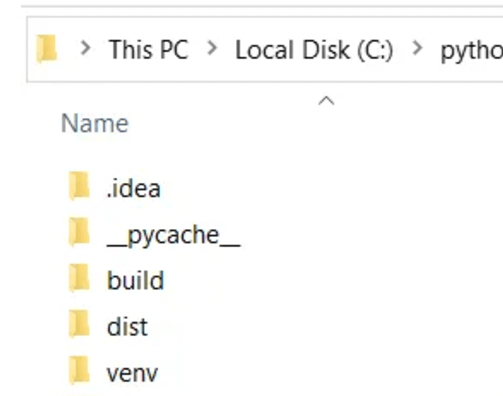
Once you run the command, you can get the single executable in “dist” folder.
Open the “dist” folder. You will see the execution file is generated. Run and test the execution.
To keep the console open
When I run the .exe as test, the console close automatically when it is done.
I realized that I need to improve my python console app to keep the console open.
I just added this line at the end of the program so that the console will wait for the key input.
input("Press Enter to exit...")
 Journey of learning
Leave a comment