I’m going to develop exactly same popup dialog as Microsoft Edge “History” popup.
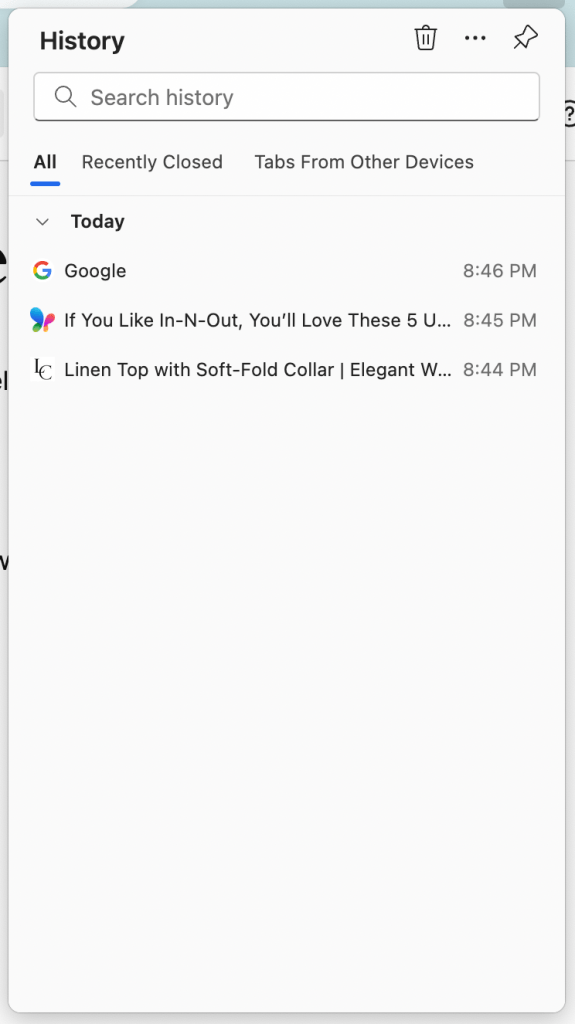
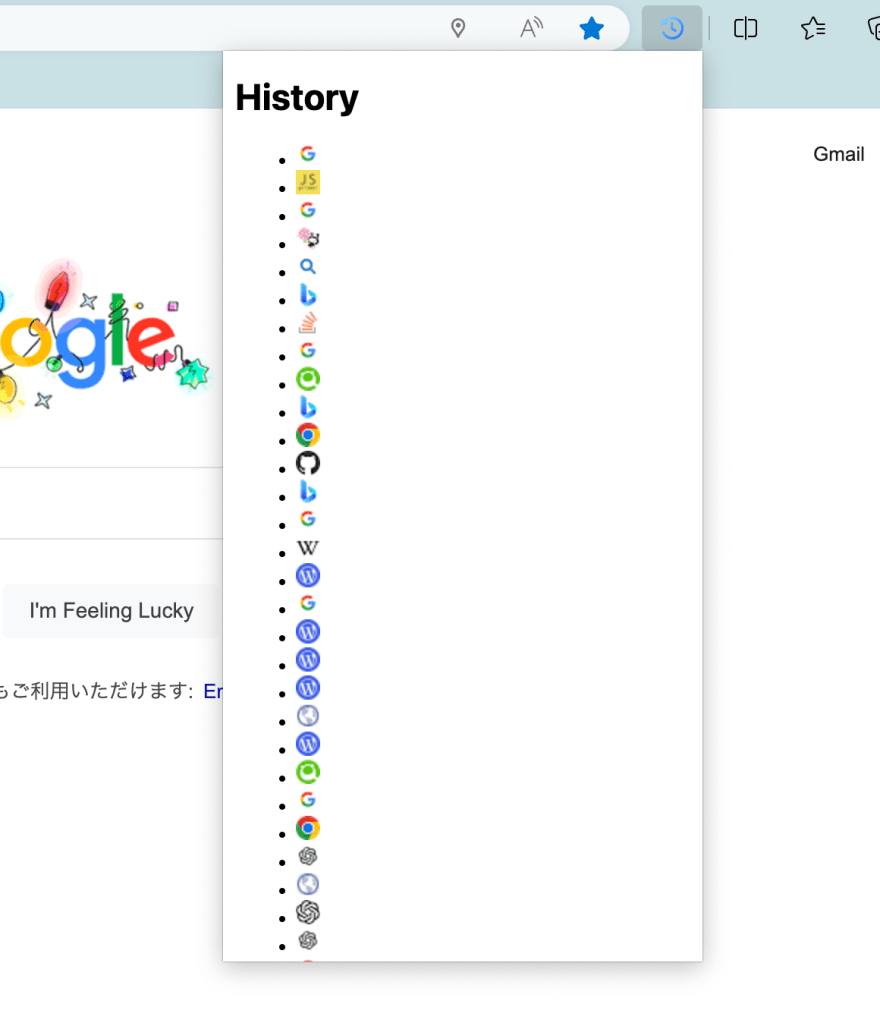
Today, I would like to display favicons at the right side of each browsing history title in the pop-up dialog.
Favicon is a small icon that is displayed in the browser’s address bar.
1. How to Get a Favicon from Google Server
Add the URL of the website you want to get a favicon to the end of the URL below.
http://www.google.com/s2/favicons?domain='theURL'2. Edit the JavaScript code
This is the simple JavaScript code that is using the Google Server to get the favicon of a webpage.
And I use “chrome.history” API to search the web browsing history. When you use this API, add permissions entry to the manifest file, and set “history”. See the previous post: How to get the Browsing History.
const historyList = document.getElementById("history-list");

chrome.history.search({ text: '', maxResults: 50 }, (results) => {
    results.forEach(item => {
        // Create <li> list item
        const listItem = document.createElement("li");

        // Get the url of the Favicon of the item
        const faviconUrl = `https://www.google.com/s2/favicons?domain=${item.url}`;

        // Set the Favicon as a <image> item of innerHTML.
        listItem.innerHTML = `<img src="${faviconUrl}" alt="Favicon">`;

        // Append the <li> list item to hisotyList.
        historyList.appendChild(listItem);
    });
});
As a reference, this is the HTML file for this JavaScript file.
<!DOCTYPE html>
<html>
    <head>
        <meta charset="utf-8" />
        <style>
            body {
                width: 300px;
                height: 600px;
            }
        </style>
    </head>
    <body>
        <h1>History</h1>
        <ul id="history-list">
        </ul>
        http://getHistory.js
    </body>
</html>
Now you got the favicon list of the browsing history!
3. Another Way to Get a Favicon??
I saw the web page below. Can I get a favicon with using another way?? I will search it on next. See you!
 Journey of learning
Leave a reply to How to Get a Favicon from Edge Extension – Chrome Extension API – – Mid-Level Engineer's Journey Cancel reply